Godot Nature Assets & Terrain Tools Collection
Godot NatureBlocks - Stylized Nature Assets & Procedural Terrain Tools
Build complete stylized worlds in Godot with NatureBlocks.
500+ stylized nature assets, procedural terrain tools, vegetation scatter tools, materials, shaders, terrain pieces and environment presets - everything you need to create forests, grasslands, deserts, snowy landscapes, fantasy worlds and alien environments.
Godot NatureBlocks is a complete stylized nature asset pack and procedural world-building toolkit for Godot 4.
Create a world from an empty scene, shape your terrain, generate rivers and roads, scatter vegetation and rocks, apply a biome style, and bring the environment to life, without manually placing hundreds of objects.
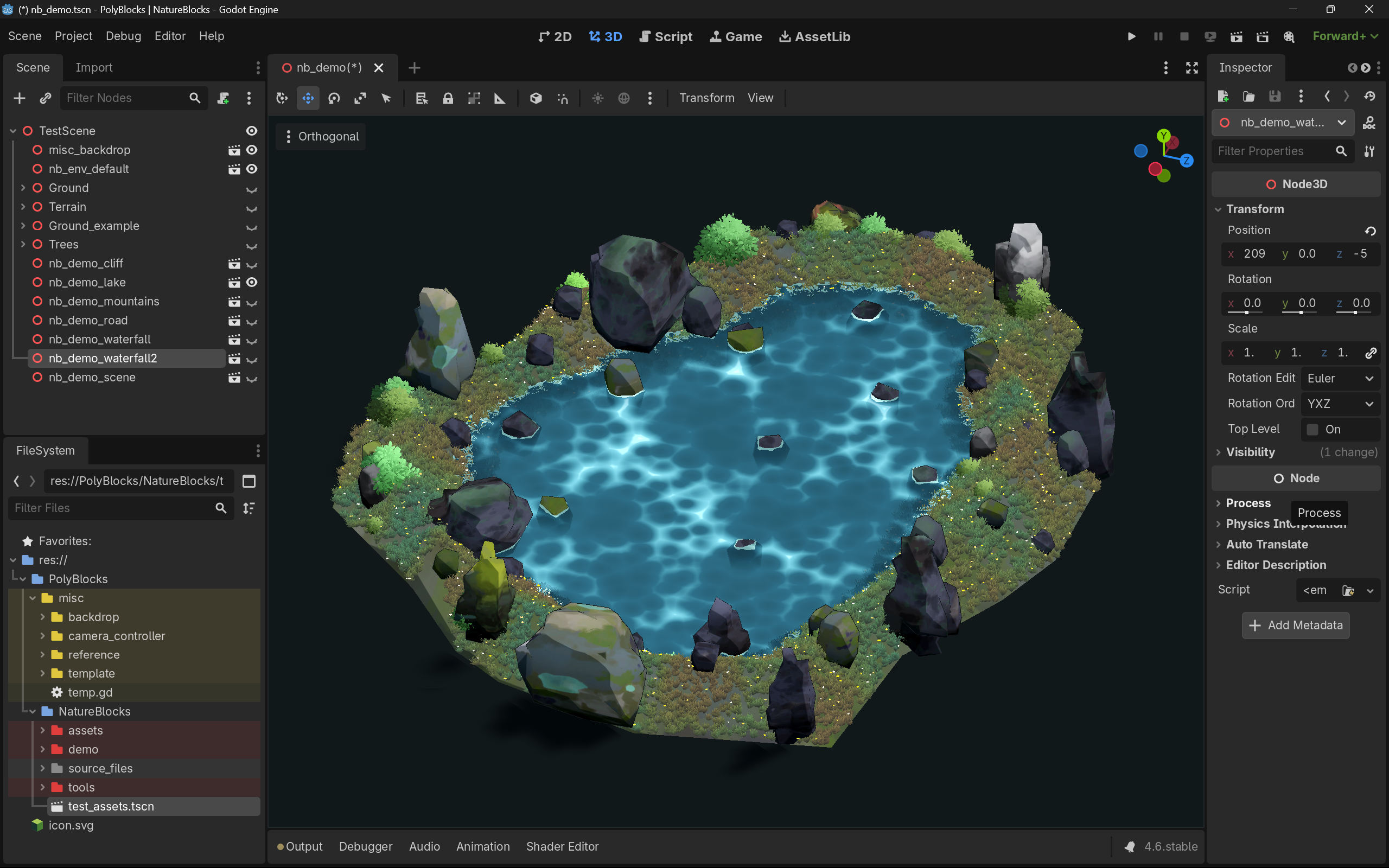
500+ Stylized Nature Assets
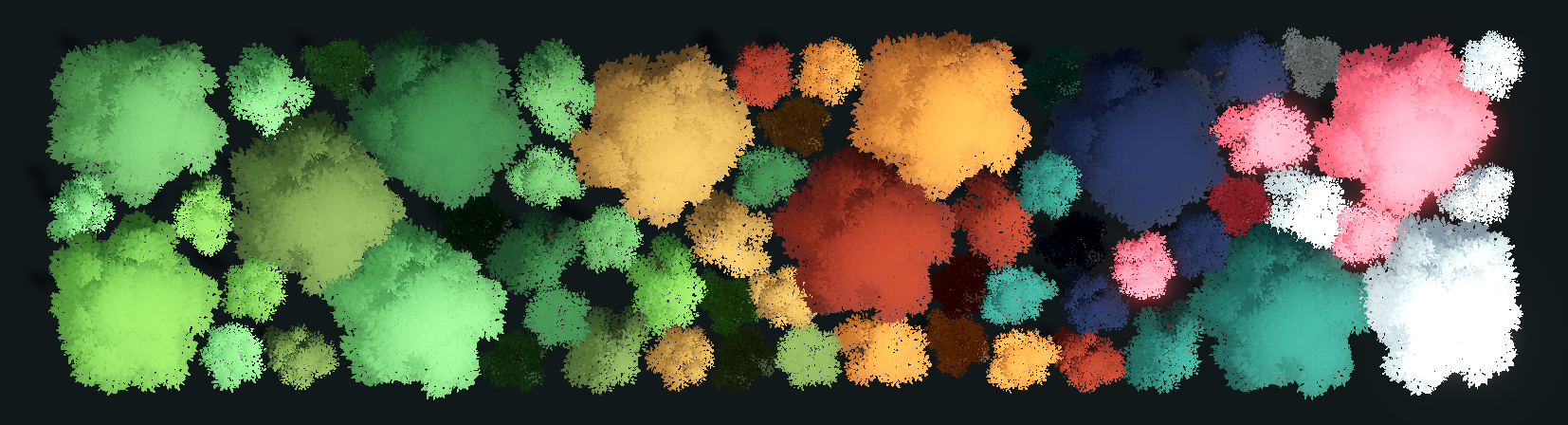
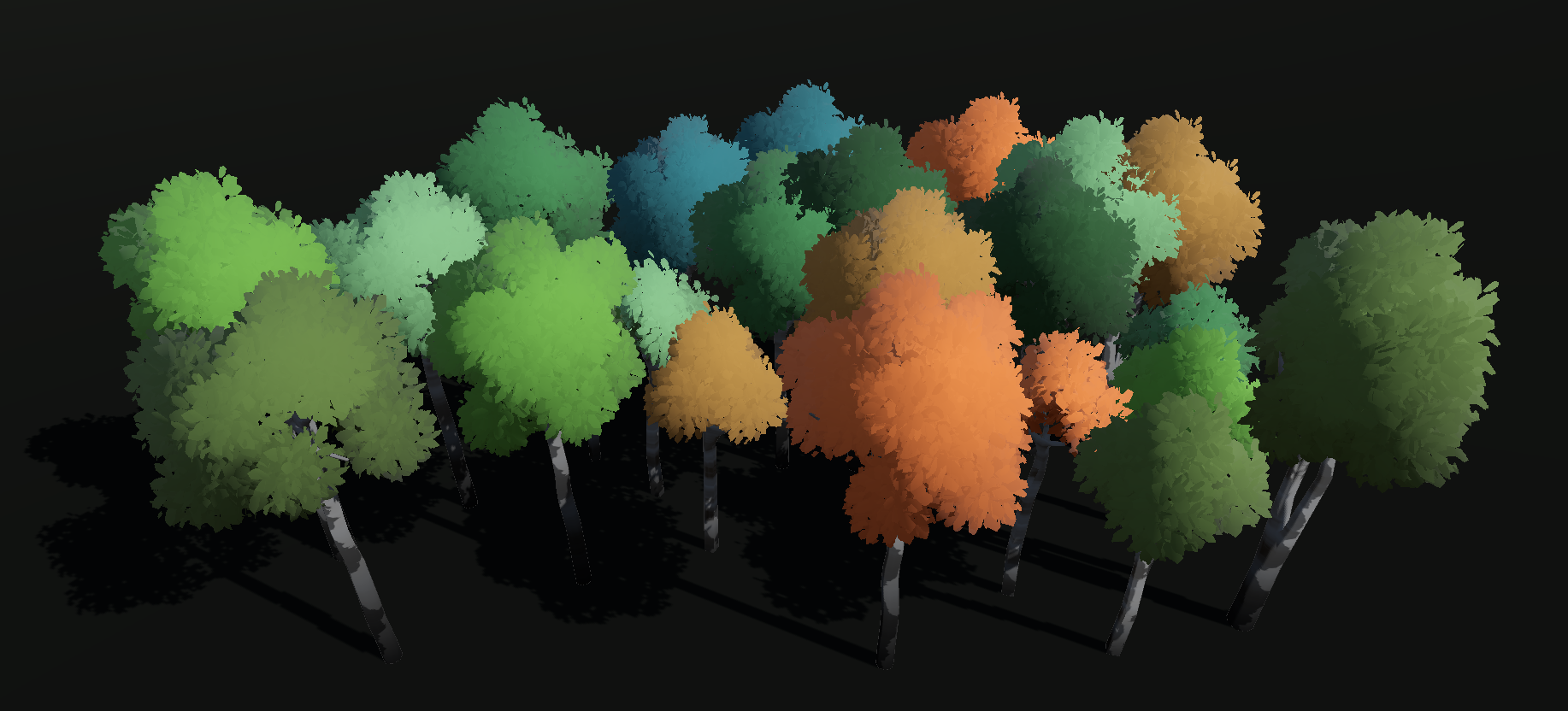
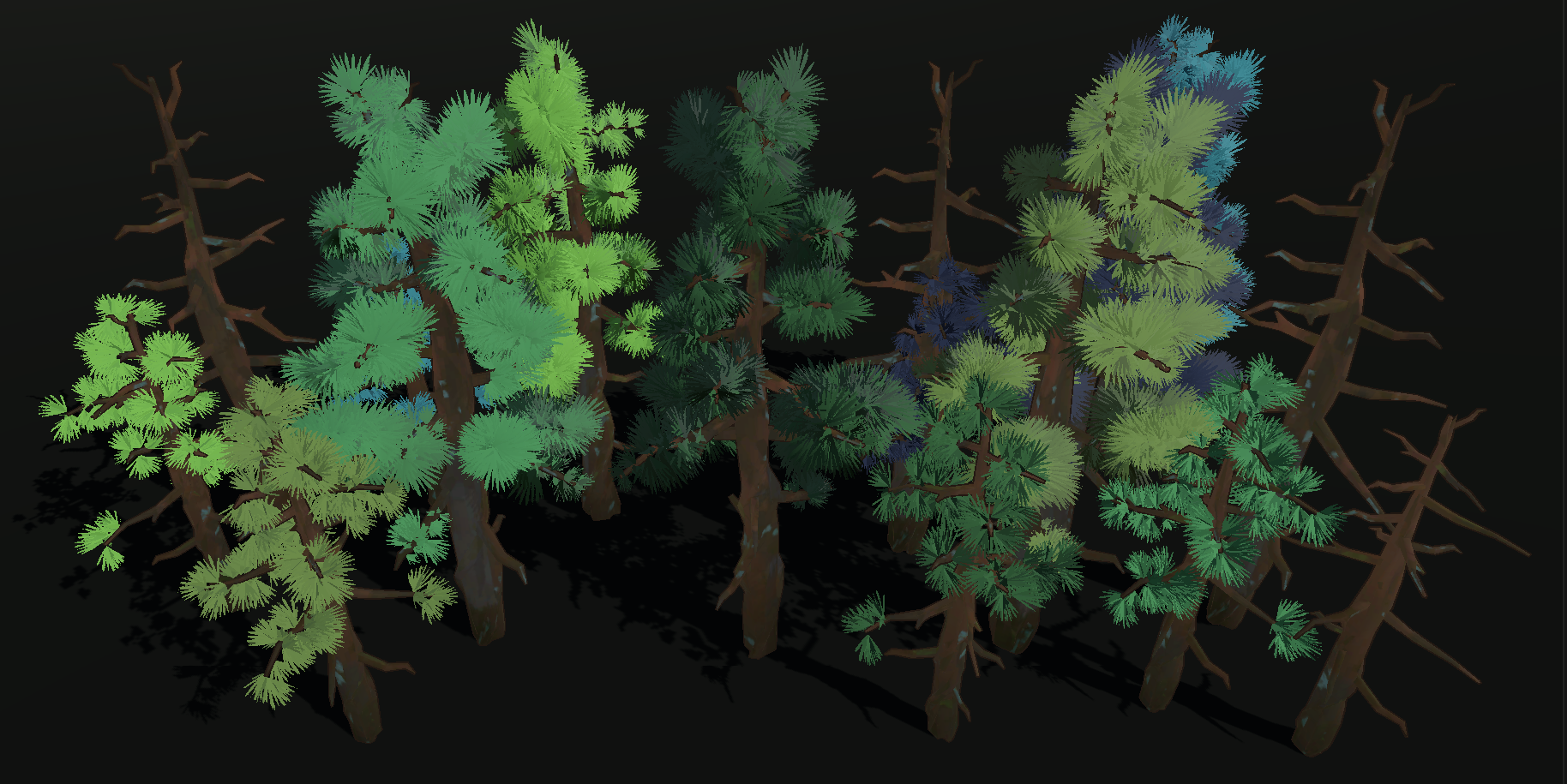
Build your environments with a large library of stylized, low-poly, Kuwahara style inspired nature assets and variations.
Vegetation
- Grass
- Shrubs
- Flowers
- Reeds
- Boardleaf
- Trees
- Pines
- Birch
- Bamboo
- Palm
- Willow
Ground & Terrain
- Rocks
- Boulders
- Pebbles
- Mountains
- Cliffs
- Terrain pieces
- Modular set pieces
The library is designed to work together, making it easy to combine assets into cohesive stylized environments.
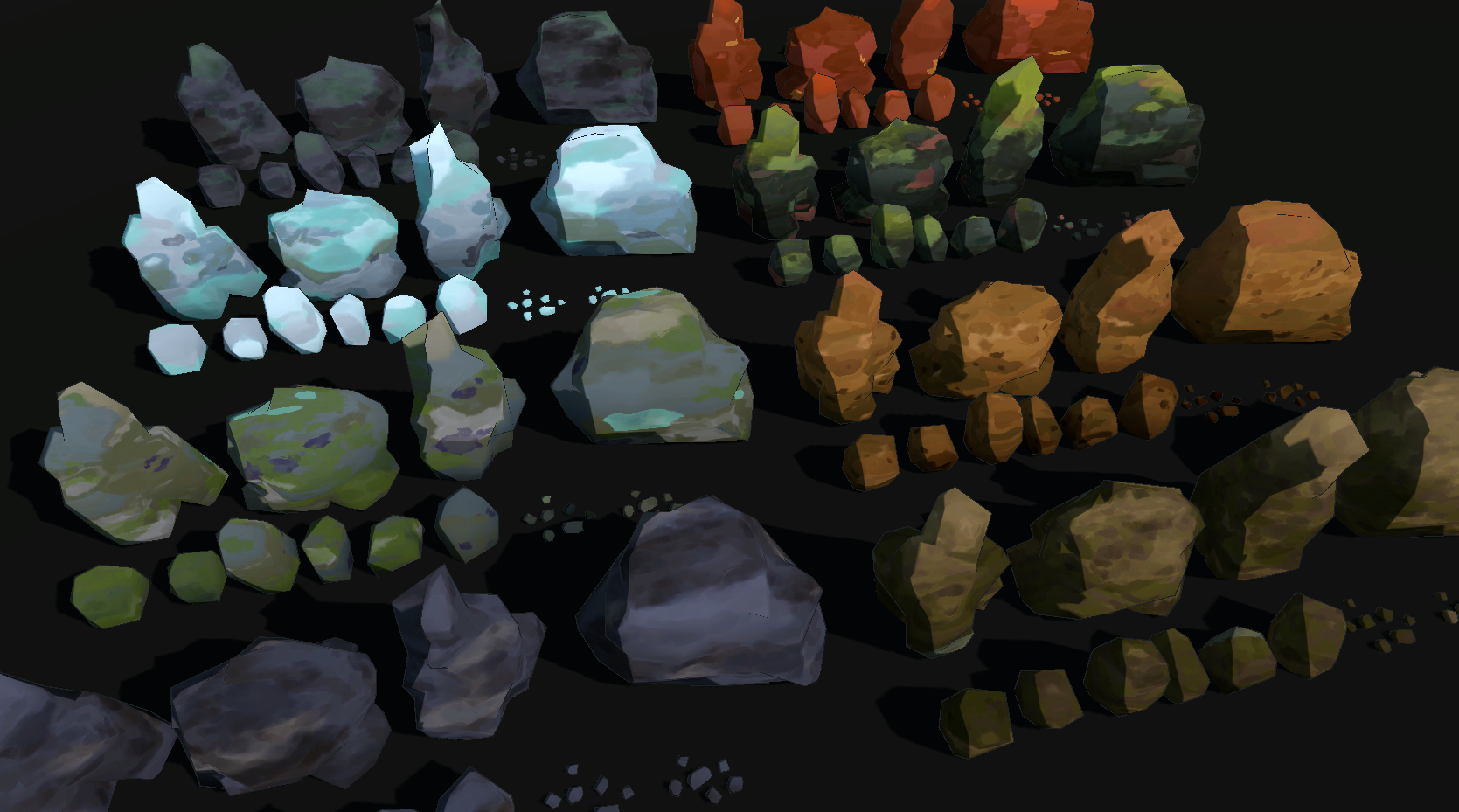
10 Biomes × 12 Vegetation Styles
Mix and match biome materials with different vegetation styles to create a wide range of visual themes.
10 Biomes
- Moss
- River
- Swamp
- Cave
- Desert
- Canyon
- Sand
- Ice
- Grey
- Verdant
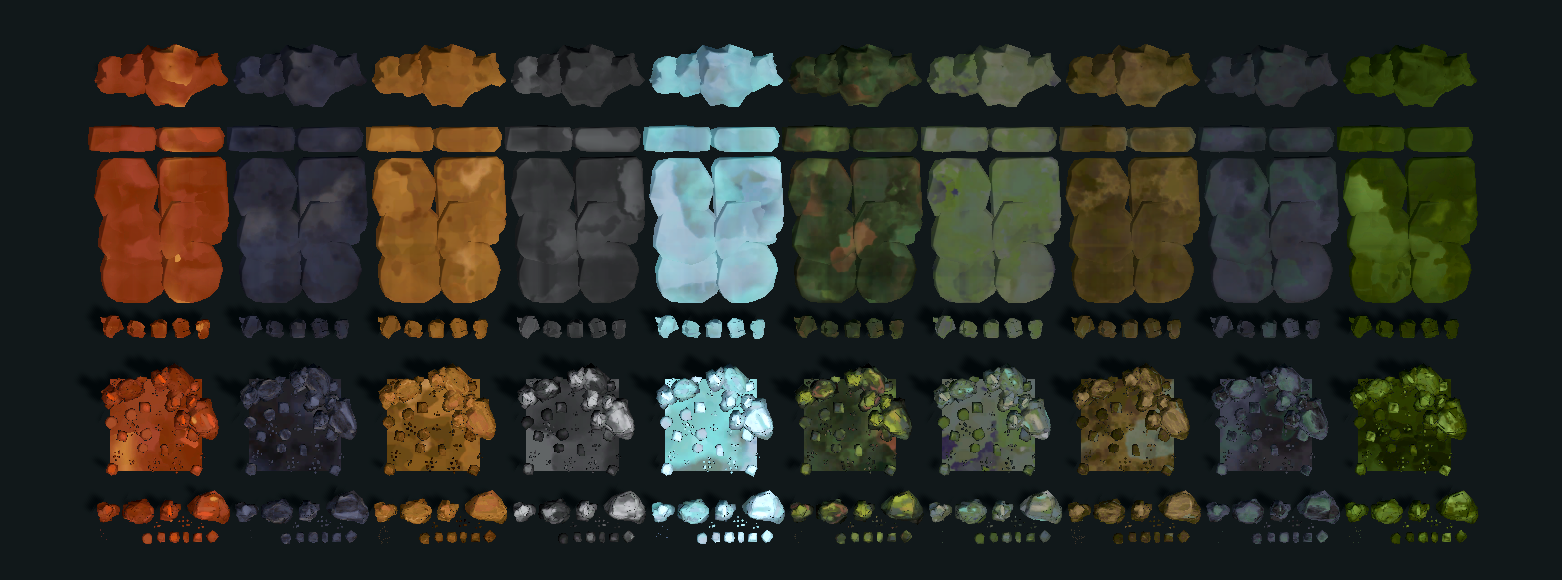
12 Vegetation Styles
- Forest
- Jungle
- Olive
- Blue
- Anime
- Tundra
- Savannah
- Autumn
- Mars
- Snow
- Spooky
- Sakura
Procedural World-Building Tools
NatureBlocks goes beyond a traditional asset pack.
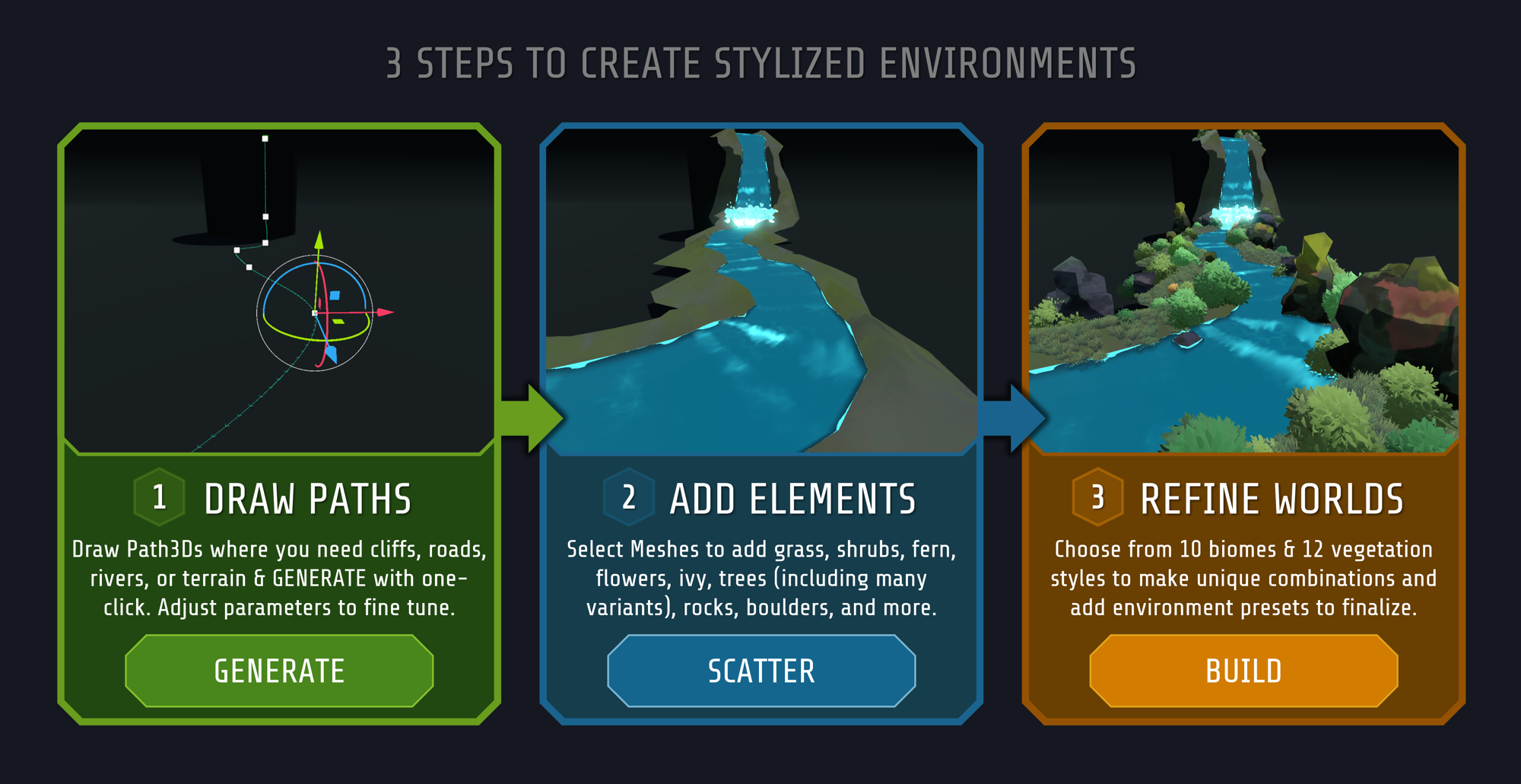
Instead of manually assembling your environment piece by piece, use the included procedural generation and scatter tools to build large, varied scenes much faster just in 3 steps.
Terrain & Generation Tools
Generate and shape your environment using simple Godot workflows.
- Procedural terrain
- Rivers
- Waterfalls
- Lakes
- Roads
- Cliffs
- Mountain ranges
- Lava streams
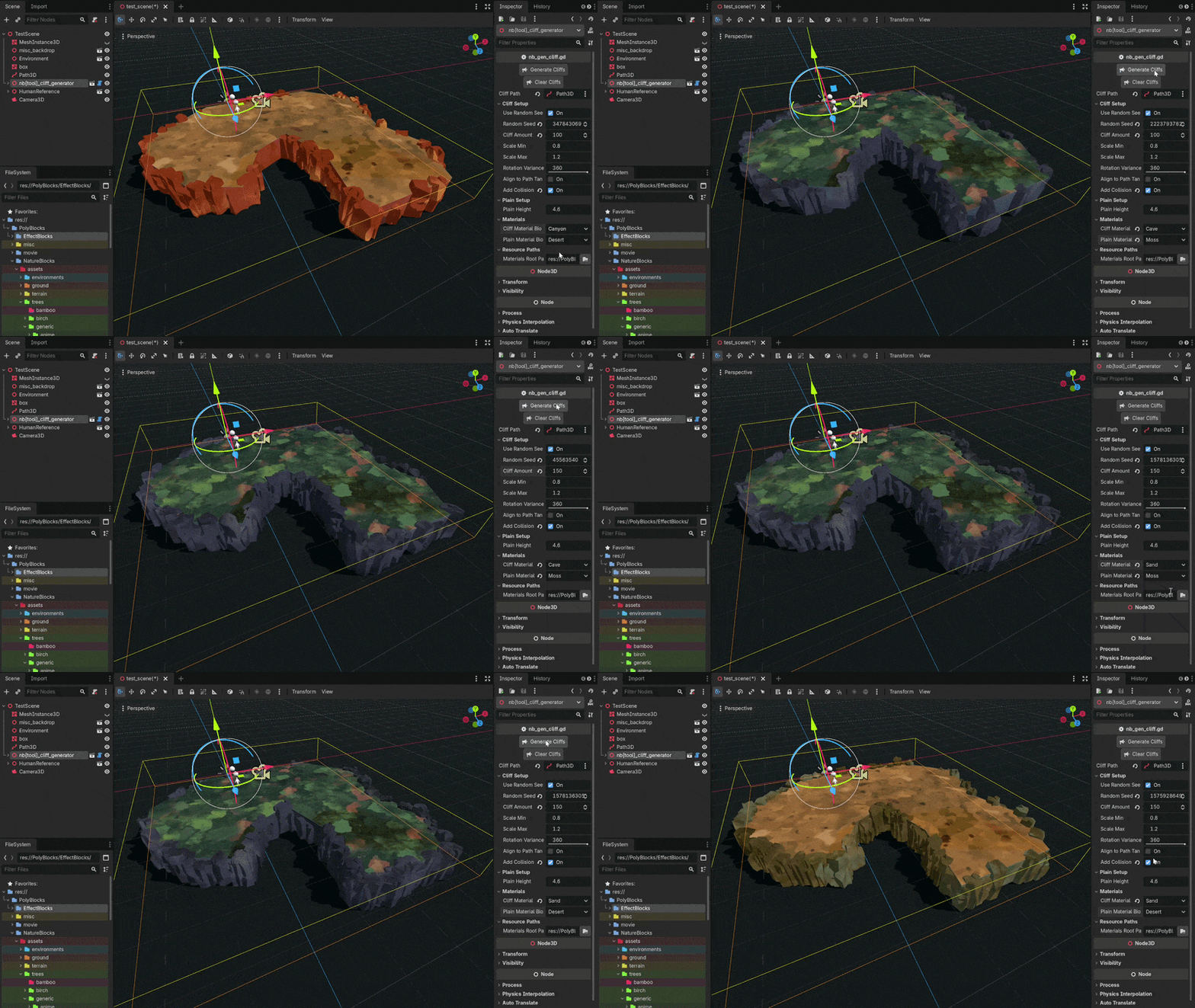
Create a Path3D, place it where you want the feature, adjust the parameters and click Generate.
Scatter Tools
Once your terrain is ready, populate it with vegetation and ground details.
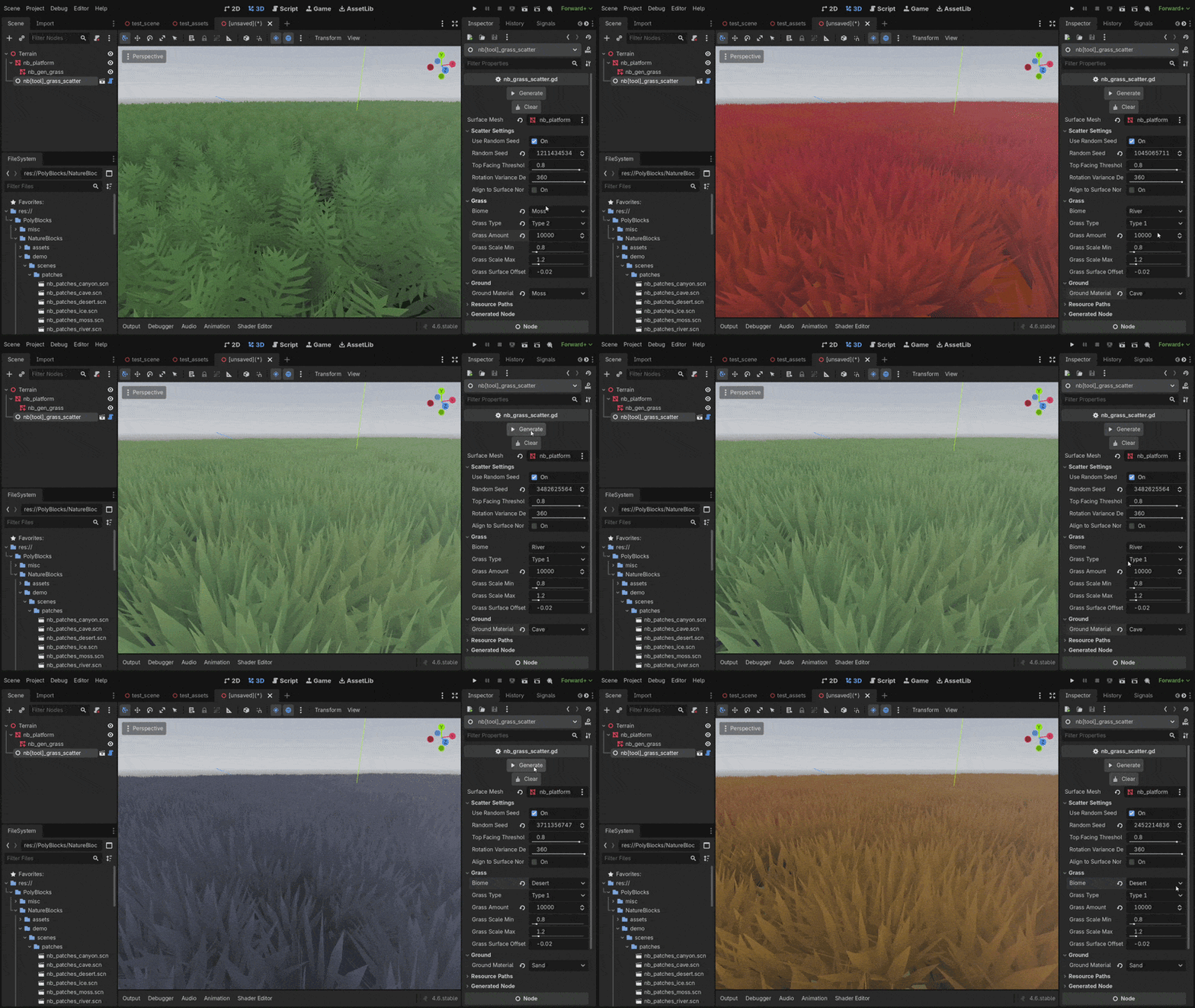
Choose your surface, select your biome and vegetation style, adjust the scatter settings and generate.
Included scatter tools:
- Grass
- Shrubs
- Flowers
- Reeds
- Fern
- Generic Trees
- Pines
- Birch
- Palm
- Willow
- Ground Scatter
- Rocks
- Boulders
- Pebbles
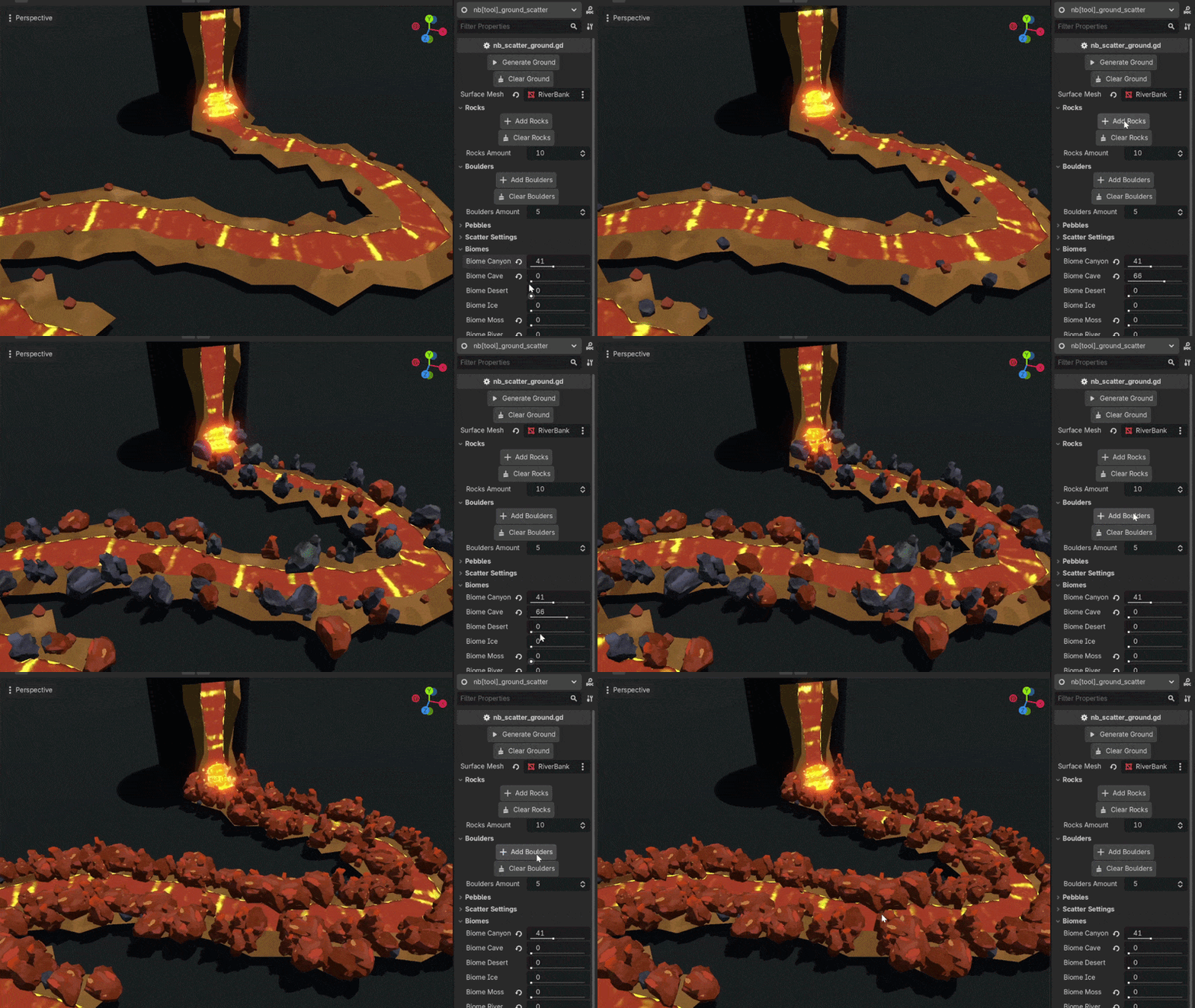
Technical note: Some scatters like grass, shrubs, reeds, flowers generate a MultiMeshInstance3D to optimize performance. Rocks, Boulders and trees instantiate scenes as they might require collision detections. Generated mountains and cliffs are also MultiMeshInstance3Ds, only cliff contain a StaticBody3D collision.
Stylized Materials & Shaders
NatureBlocks includes stylized materials and shaders designed to keep your environment visually cohesive.
Apply biome materials to your terrain pieces and assets to quickly change the overall look of your world.
The materials are designed around a stylized, hand-painted / Kuwahara-inspired aesthetic, allowing terrain pieces to blend together naturally even when they are scaled, rotated or repositioned.
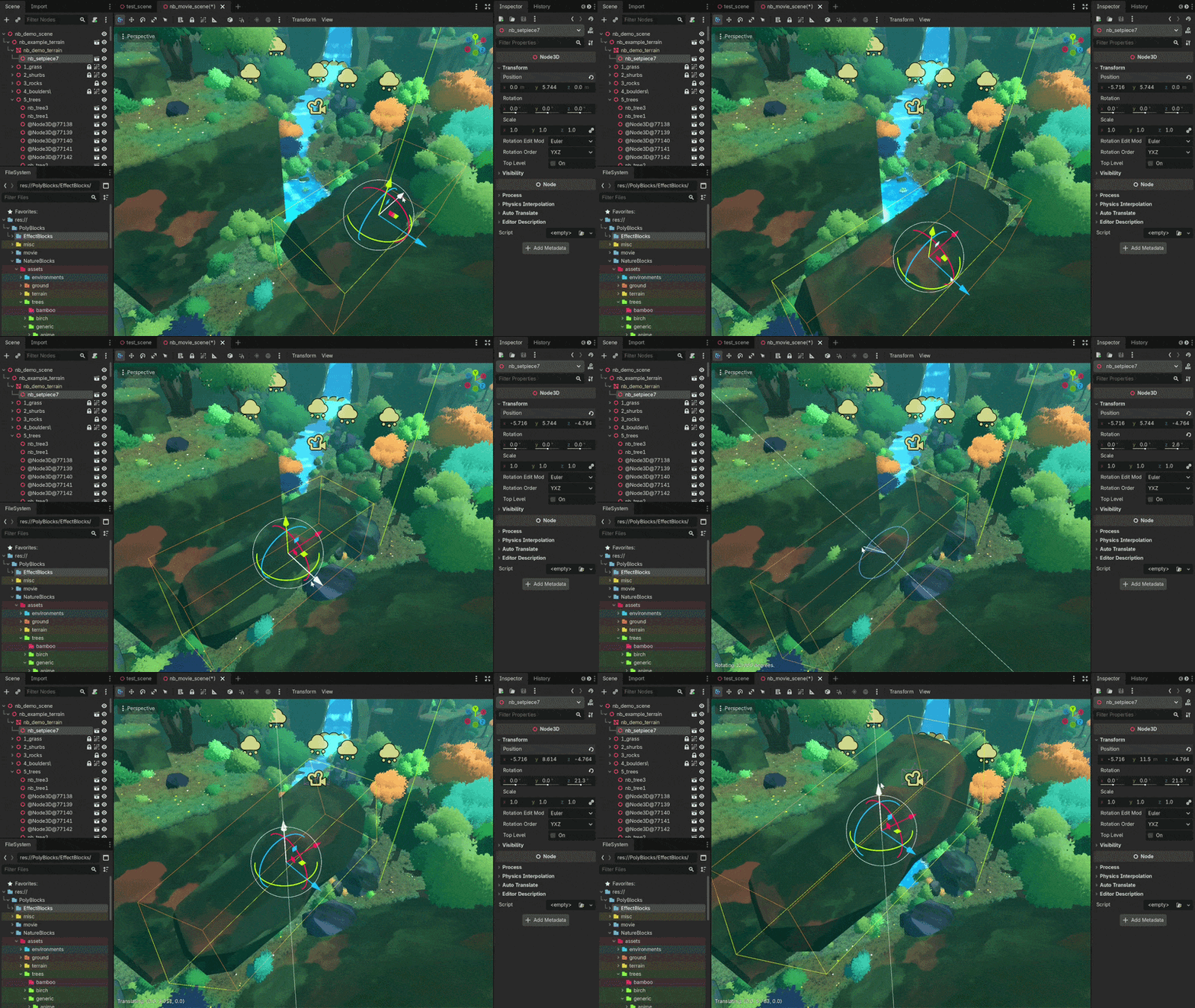
Bring your own terrain pieces, rocks, meshes or environment assets into your scene and apply the included biome materials to them.
No complicated material setup or UV workflow is required for this workflow.
Drag. Drop. Style. Build.
Technical note: Materials are built using 2K textures. This biome blending only works with 'Terrain' materials. If you want to use the vegetation materials, you need to follow the integrated glb's pattern to setup tree leaves, grass and others.
Environmental Presets
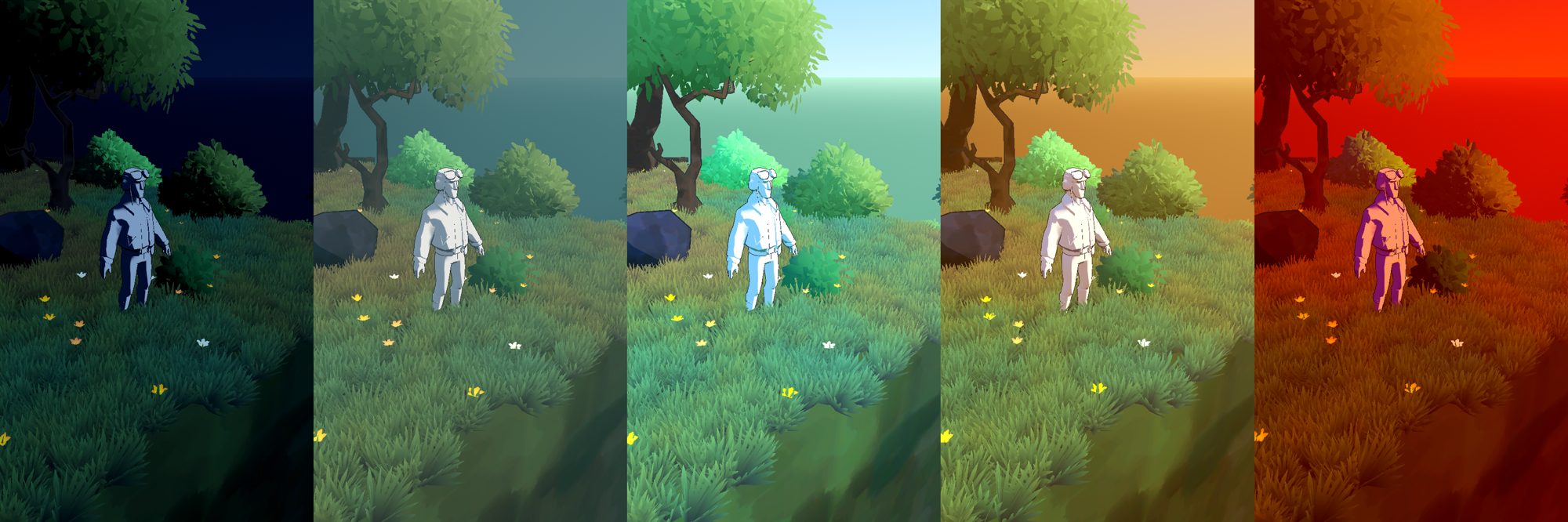
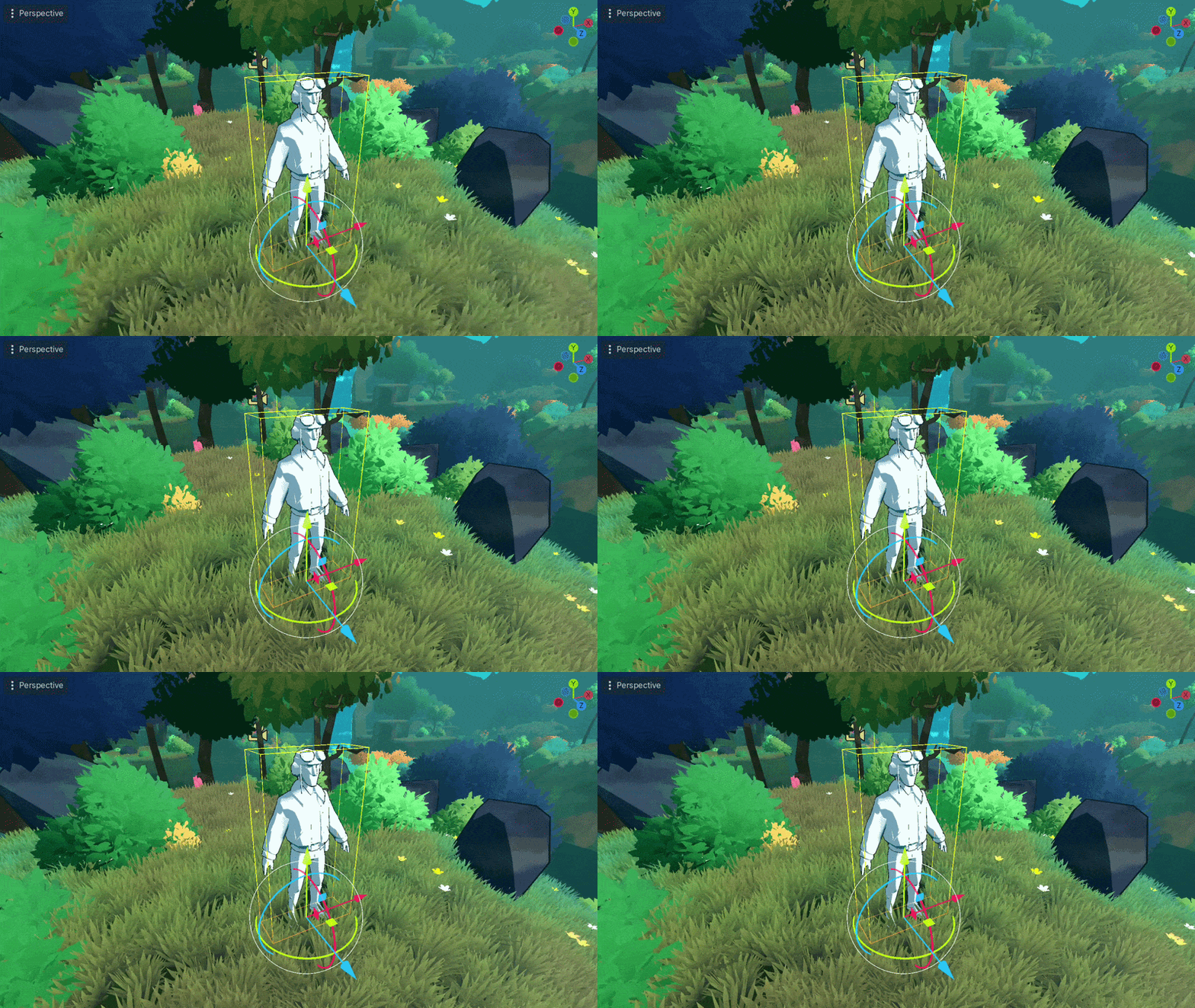
Simply drag a preset into your scene to quickly establish a complete lighting and environment setup using combined WorldEnvironment and Light configurations.
Perfect for quickly creating different moods and visual styles without configuring everything from scratch.
Why NatureBlocks?
More than an asset pack
- NatureBlocks combines a large stylized asset library with procedural terrain generation, scatter tools, materials, shaders and environment presets.
Fast world building
- Build large environments much faster than manually placing and configuring every asset.
Modular & adaptive
- Terrain pieces and materials are designed to work together, making it easy to scale, rotate, move and reuse your assets.
Drag & drop workflow
No plugins required
Built for Godot
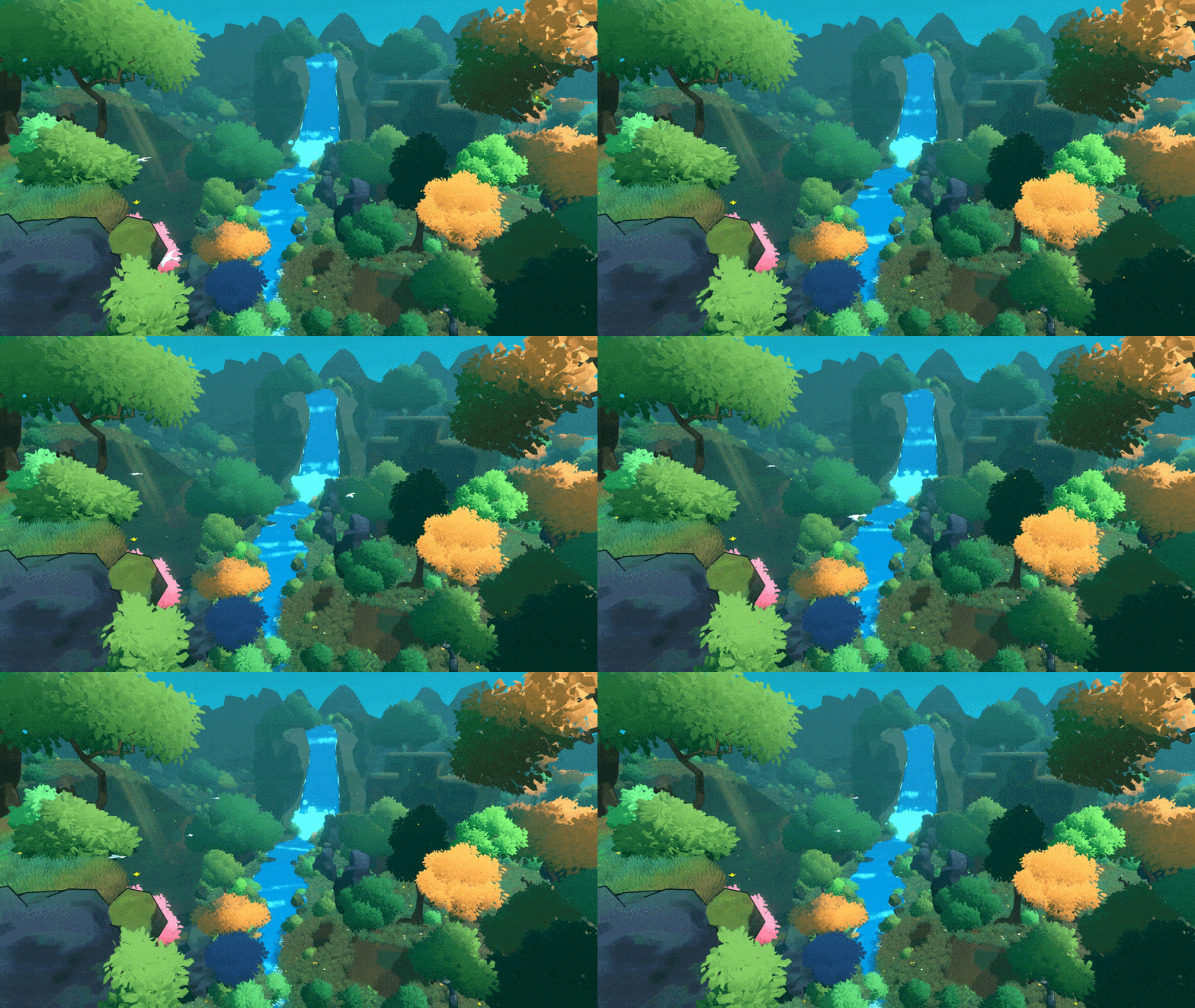
What's Included
- 500+ stylized nature assets & variants
- 10 biome materials
- 12 vegetation styles
- 10+ procedural generation & scatter tools
- Terrain, mountains, cliffs & set pieces
- Rocks, boulders & pebbles
- Grass, shrubs, flowers & trees
- Rivers, waterfalls, lakes & roads
- Stylized materials & shaders
- Environmental presets
- Demo scenes & examples
Get Started
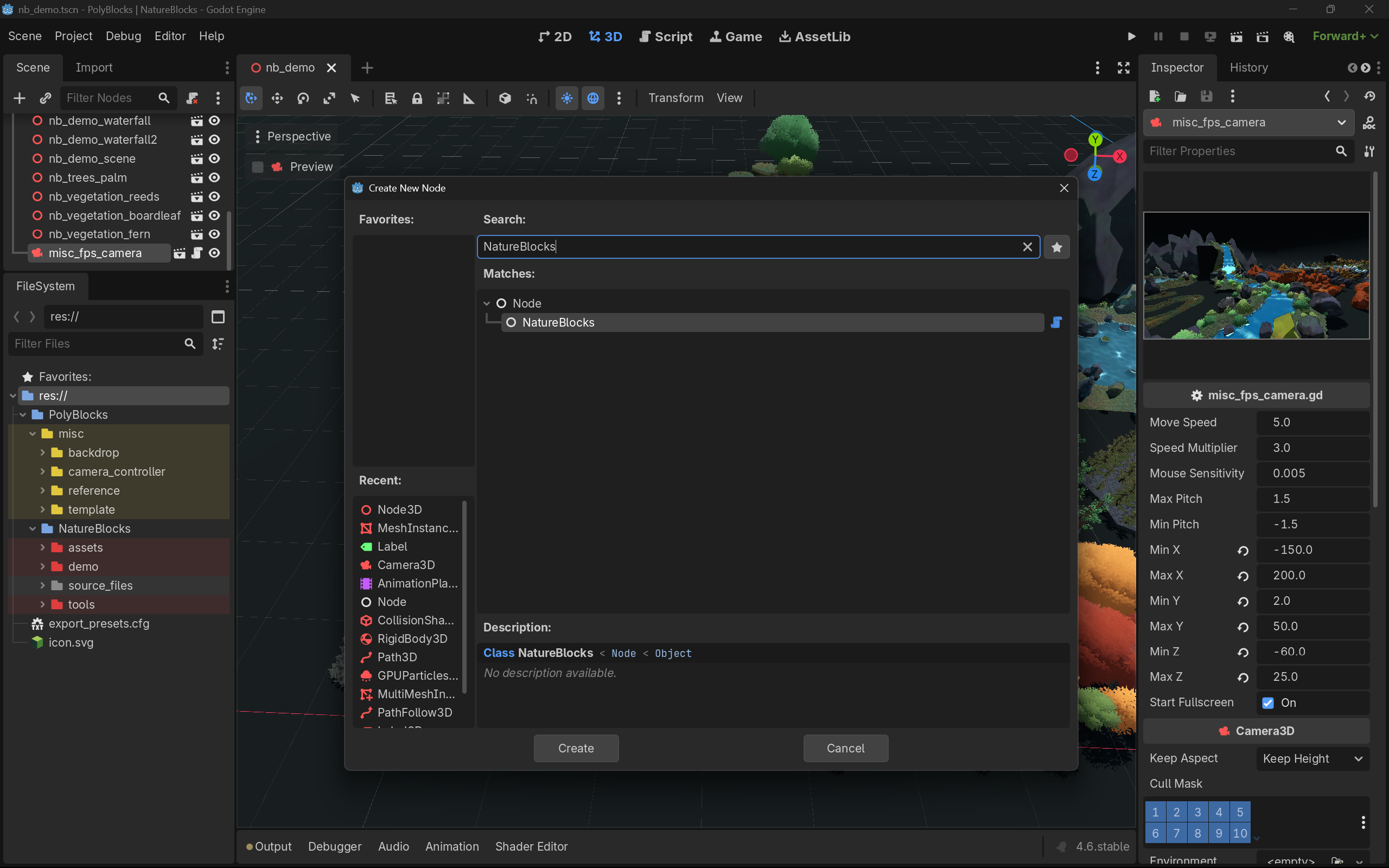
Once you download the PolyBlocks folder, place it in your root folder. Once you are ready to generate a biome, add a new NatureBlocks node to your scene.
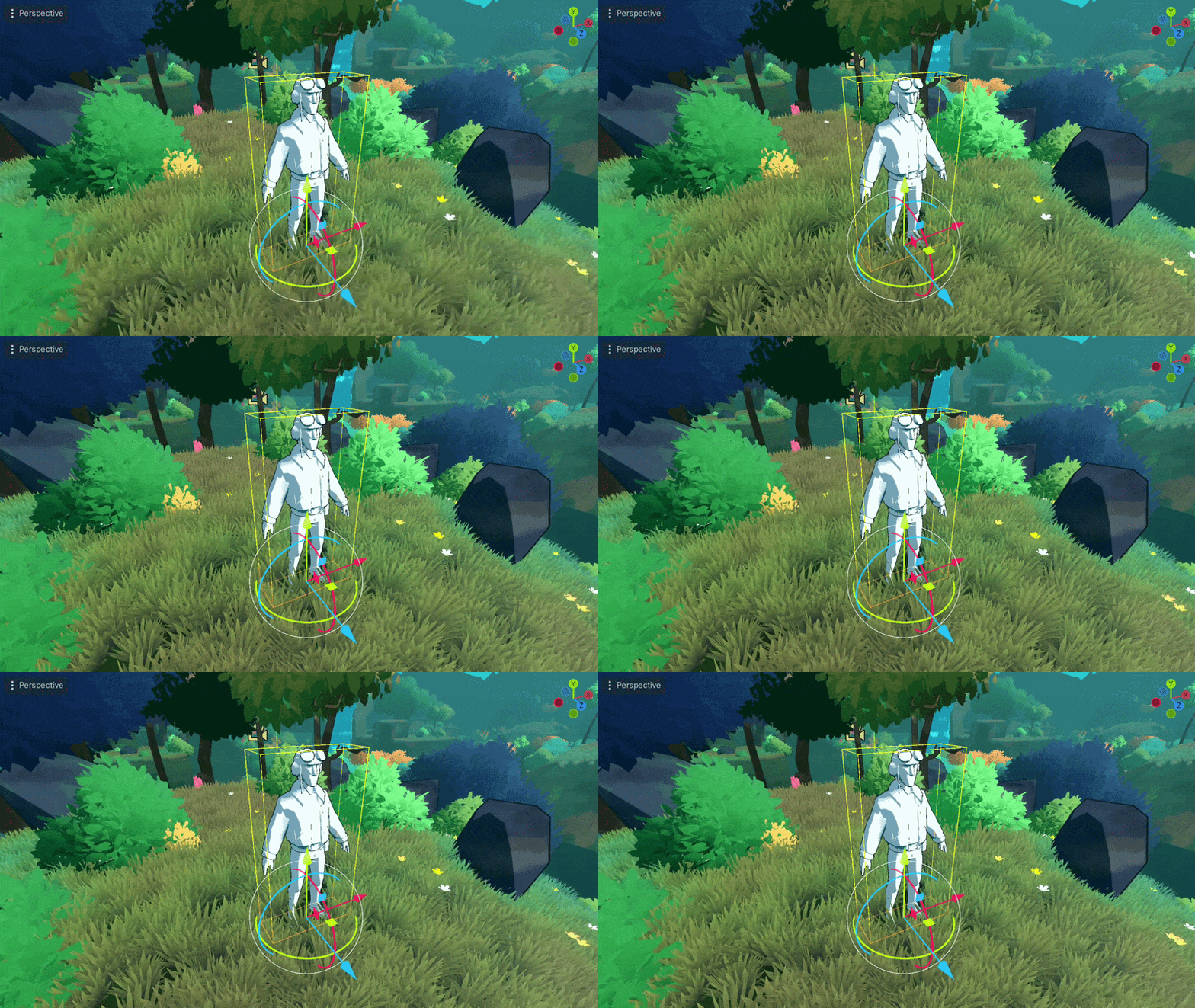
Built to work with Godot EffectBlocks
Already using Godot EffectBlocks?
Nature Blocks and EffectBlocks are completely independent packs, but they work particularly well together.
License:
- For use in commercial and non-commercial projects
- Do not resell or redistribute as-is or modified
Some scripts/ shader codes/ noise were were developed with AI assistance. However all art & graphical assets were entirely hand-made.
Enjoy and happy developing! 🚀
NatureBlocks– Changelog
[2026.AUG.26 v1] – Initial Release
- Released NatureBlocks including 500+ stylzed assets, procedural tools and demo v1. Developed using Godot 4.6
Purchase
In order to download this asset pack you must purchase it at or above the minimum price of $21.24 USD. You will get access to the following files:
Download demo
Comments
Log in with itch.io to leave a comment.
I’m blown away by this. It seems like exactly the thing that would help me with my game.
I have a question regarding the scattering of grass. I find the look of extremely dense grass very compelling, and this isn’t a huge problem depending on method of implementation. You use multimeshinstance3D which is exactly what one would expect to utilize here. But the problem I ran into was scaling.
There’s limitations of culling in multimeshinstance nodes so it’s often helpful to break them up into a number of chunks to allow some amount of culling to occur. With this tool, how does it define multimesh instances? Is an entire generated seed its own instance? If a large area is covered, does it get broken up?
Been looking for a nature maker for a while, This fits the bill, good stuff
Thank you :)
This looks great, I purchased effect blocks and am very happy with it! Will likely buy this one soon as well.
I would be interested to see how this works in the compatibility renderer for web builds or how much tweaking would be needed to get that working.
Thank you for using EffectBlocks.
I just checked with the Compatibility mode, assets look good except for the water material, which might need a little tweaking. Volumetric fog does not work in compatibility, so you might need to add Fog manually (if you intend to use). Other than that, most other assets use textured assets, which looks just fine. However for web builds, I would recommend downscaling the 2K textures to some lower resolution.
Perfect, thanks for testing that!